


Playlist
10 Videos
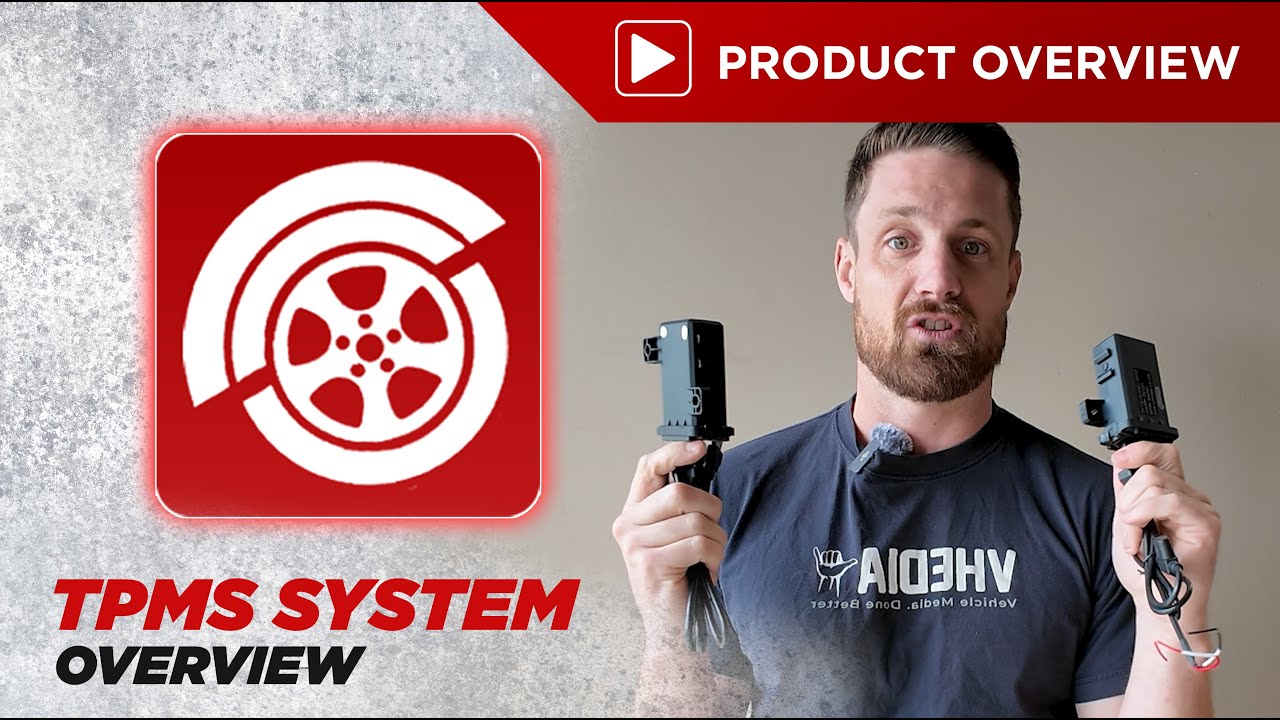
4:06
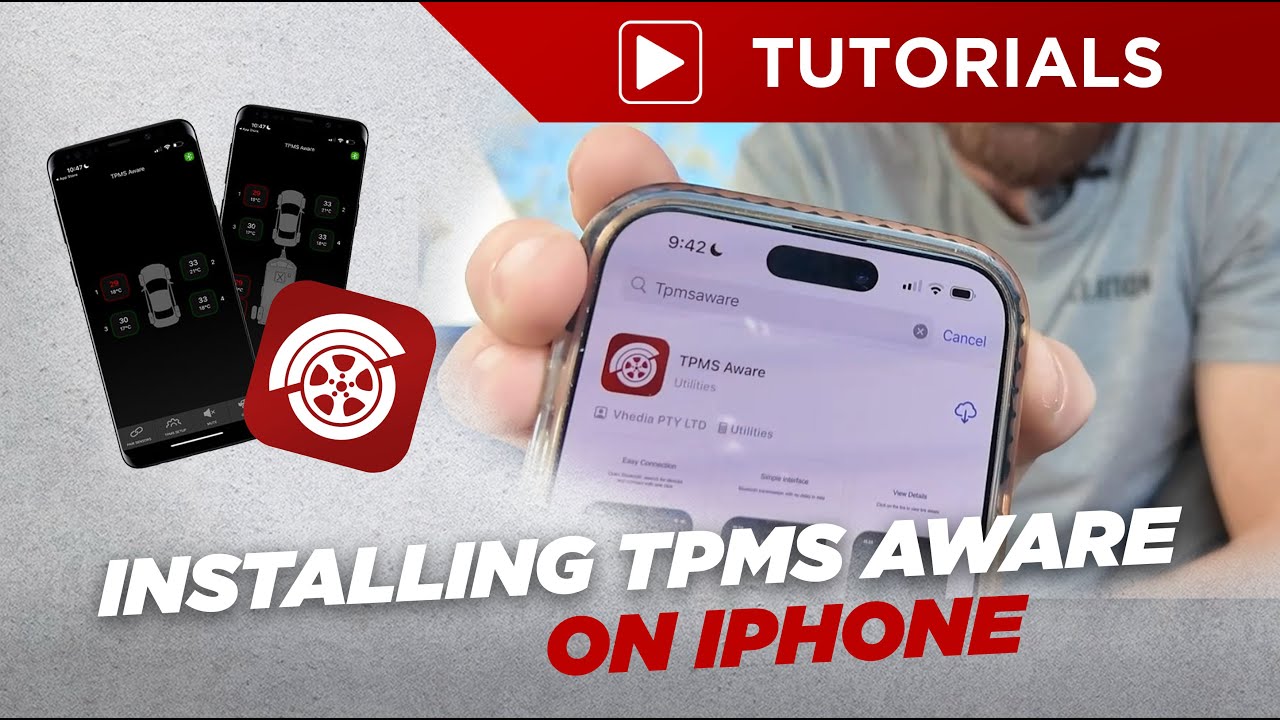
3:28
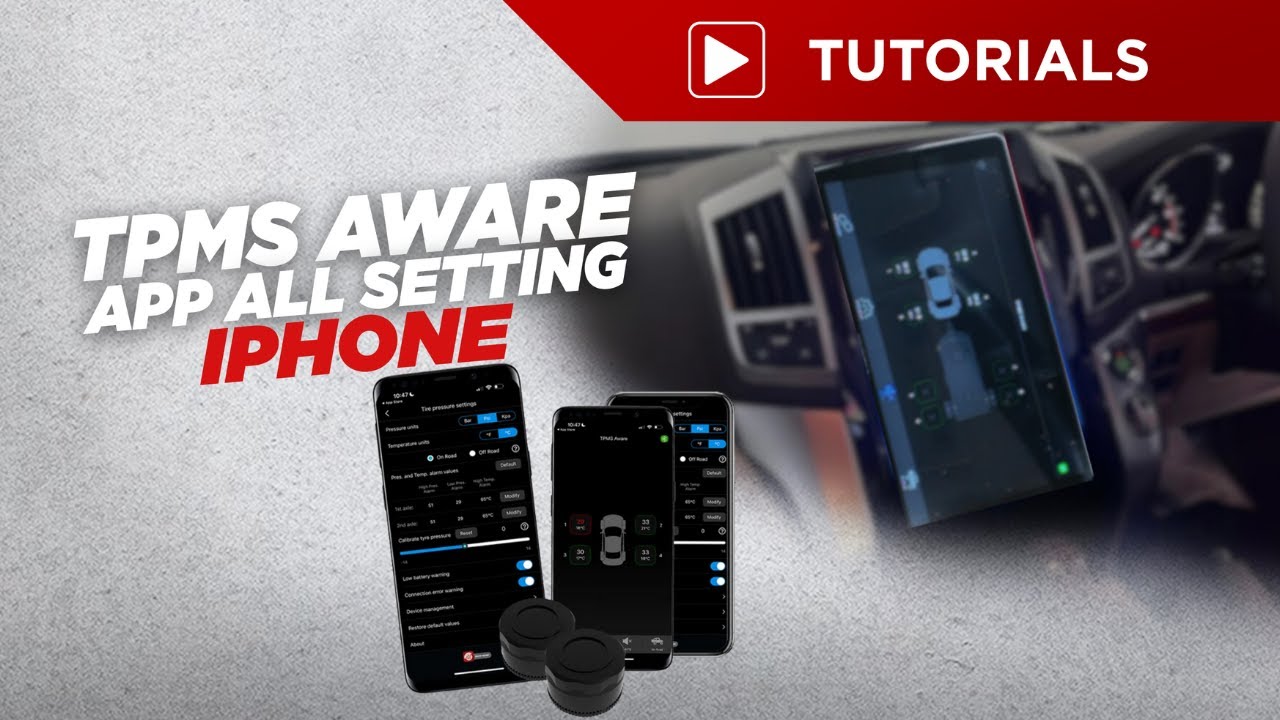
5:26
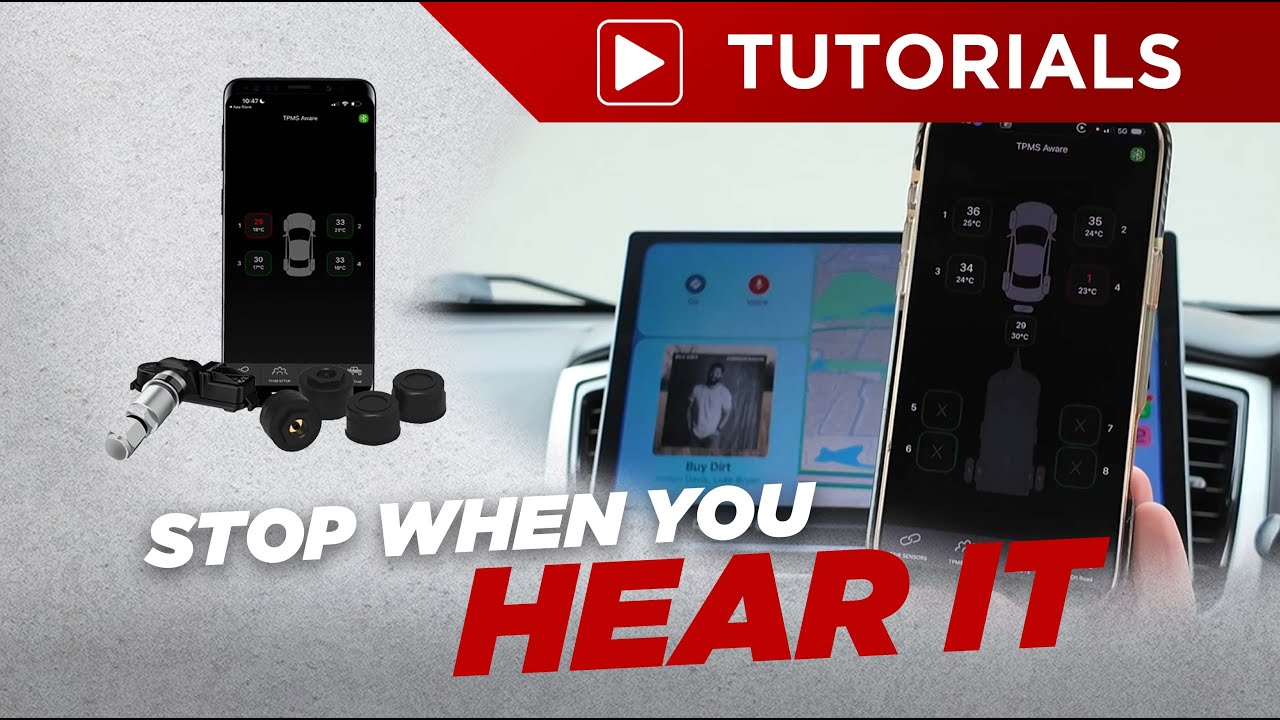
1:02
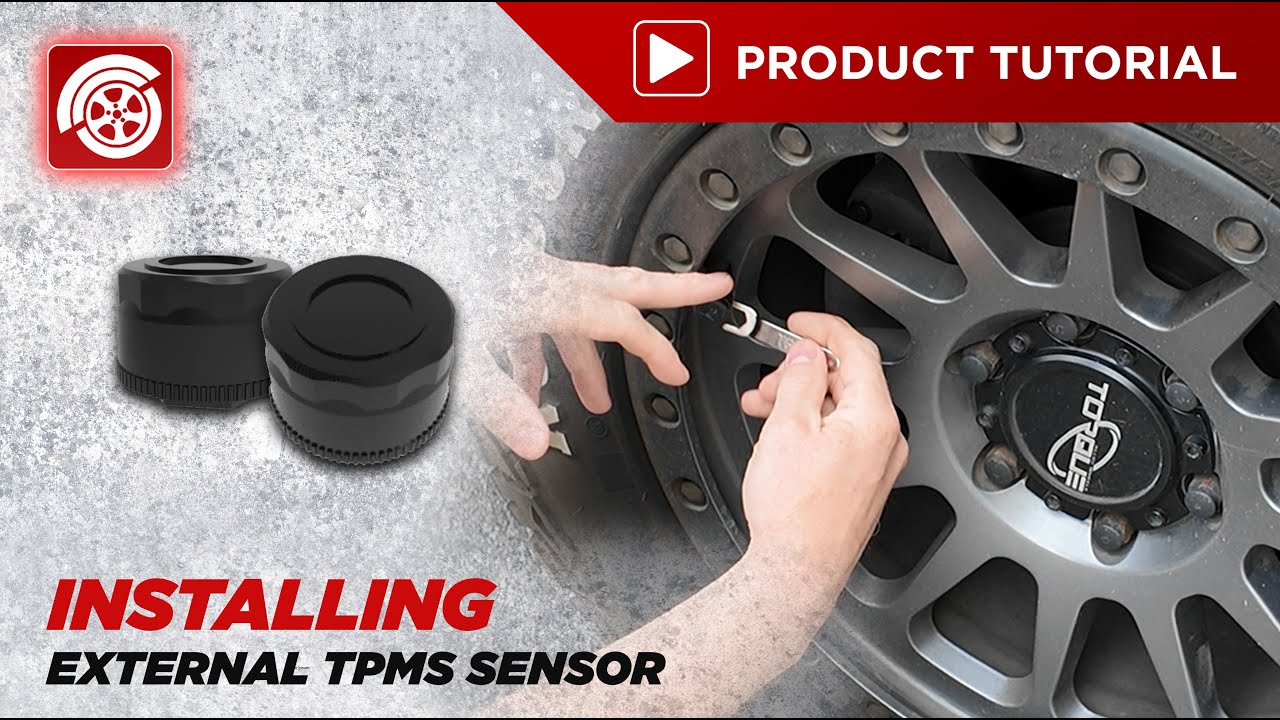
0:40
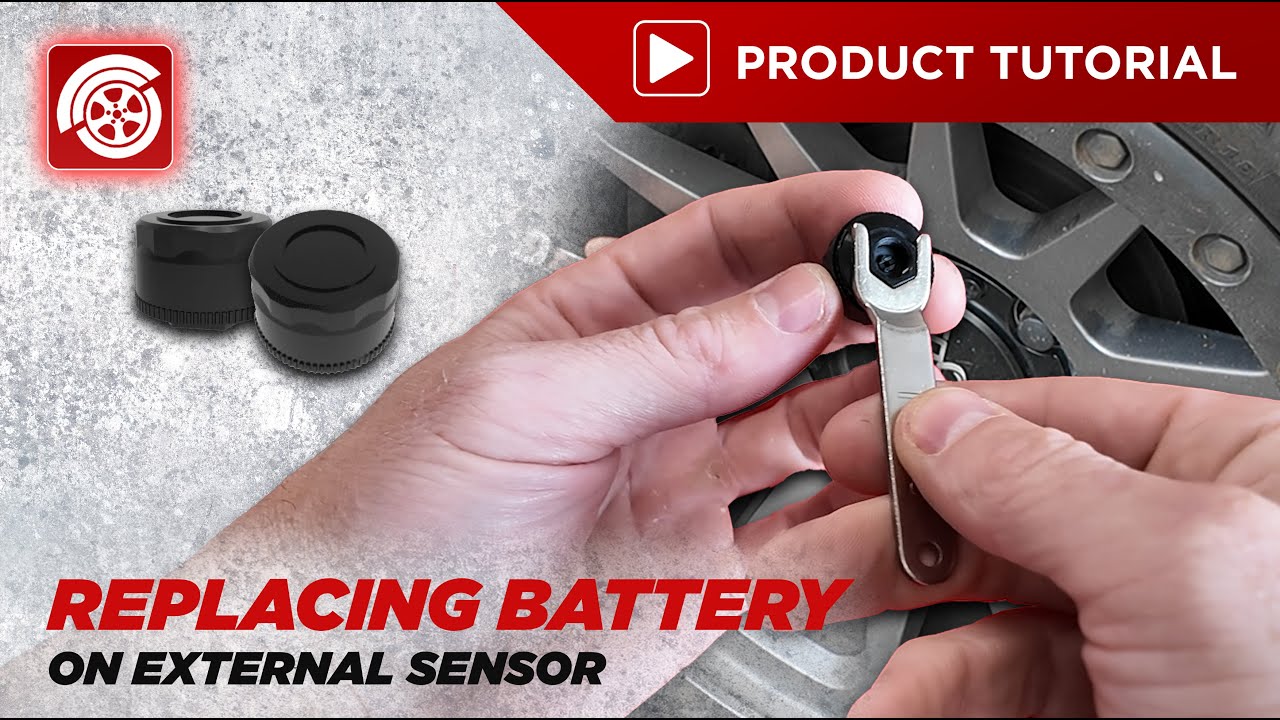
1:19
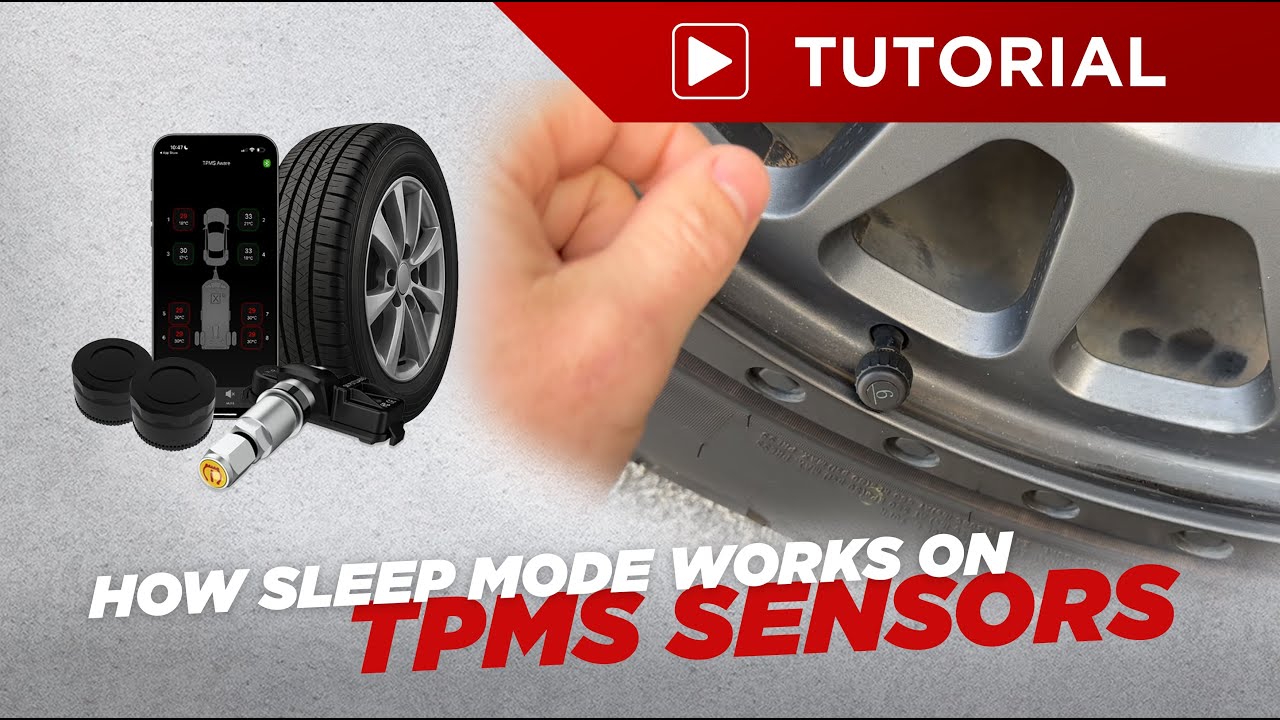
1:22
3:28


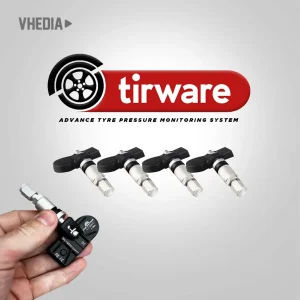
Tirware TPMS Sensors by Vhedia
Monitor up to 10 tyres in real-time via our Tirware App perfect for vehicles and caravans. Quick to install with long-lasting internal or replaceable external sensors. Includes USB receiver; add a repeater for trailers or extended range. Custom alerts keep you safe with instant tyre pressure and temperature warnings.
TPMS App Download
Via PlayStore/AppStore

Click here to Download

Click here to Download
Works with Apple CarPlay & Android Auto
- Use TPMS even if your head unit doesn’t support Android apps
- Install the TPMS app on your phone and access it through Apple CarPlay on your compatible head unit
- View tyre pressure and temperature information conveniently from your vehicle’s display
- Apple CarPlay supported now, with Android Auto support coming soon

Real-Time Tyre Pressure Monitoring
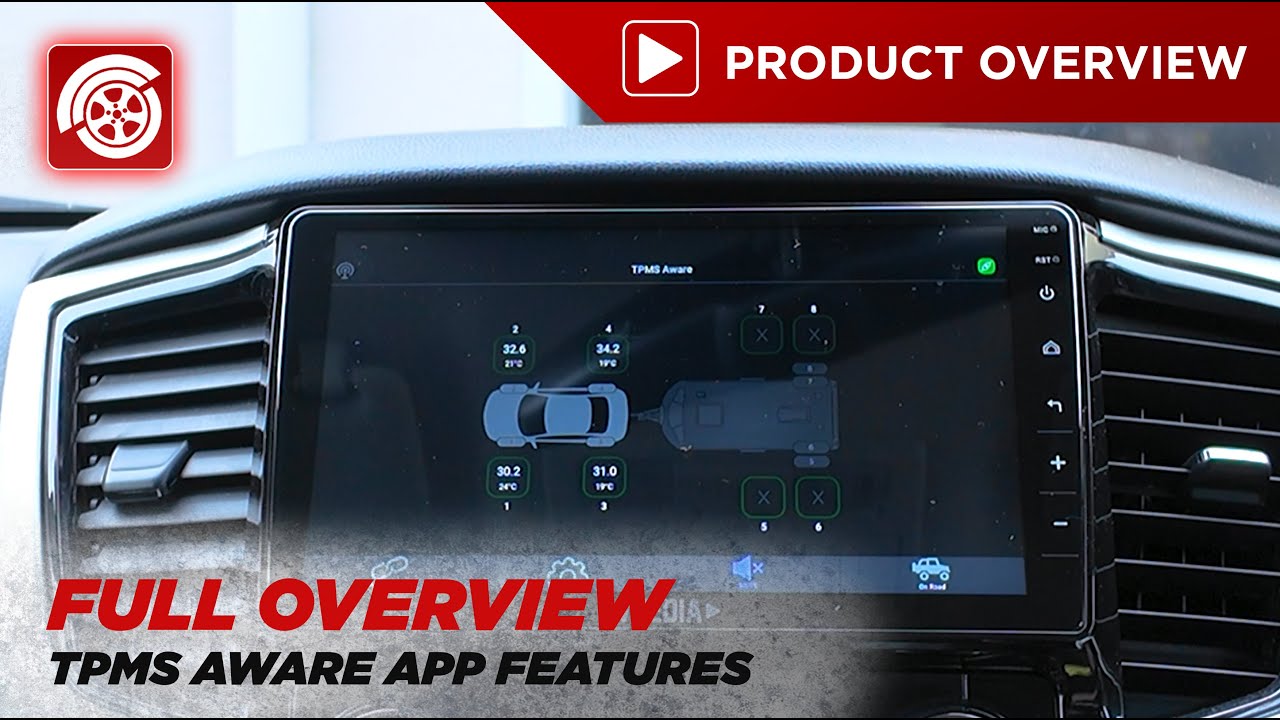
- Live display of each tyre’s pressure and temperature
- Intuitive vehicle layout ensures quick interpretation
- Immediate visual alerts for anomalies (e.g. low pressure, high temperature)

Vehicle & Trailer Monitoring
- Monitor up to 10 tyres across both vehicle and caravan/trailer setups
- Ideal for travellers, caravanners, and long-haul drivers
- Easy Caravan or Trailer Disconnection just press the caravan icon

Customizable Alerts & Visual Options
- Set individual thresholds for high/low pressure and temperature
- Toggle visual alerts, sound alarms, and spare tyre visibility
- Switch between On-Road and Off-Road monitoring modes
- Quickly switch between on-road and off-road settings when adjusting tire pressure for highway or off-road driving.

Easy Sensor Pairing
- Quick setup with unique sensor IDs
- Manual or automatic pairing options
- Visual confirmation of sensor mapping to tyre positions

RECEIVER/REPEATER SPECS
| Item | Specification |
|---|---|
| Input Voltage | DC 4.5V to 5V from USB Port |
| Working Current | ≤10mA |
| HF Receive Frequency | 433.92MHz ± 50KHz |
| HF Receive Sensitivity | <-95dBm |
| Working Temperature Range | -40°C to 125°C |
| Data Transmission Mode | USB |
INTERNAL SENSOR SPECS
| Item | Specification |
|---|---|
| Battery Model | CR2050 (350mAh) |
| RF Frequency | 433.92 MHz ± 38 KHz |
| Standby Current | < 0.7 μA |
| Emission Current | < 8 mA |
| HF Emission Power | < 8 dBm (50Ω) |
| HF Modulation Mode | FSK |
| LF Receive Frequency | 125 KHz ± 5 KHz |
| LF Modulation Mode | ASK |
| Pressure Measurement Range | 0–800 kPa (0–116 psi) |
| Pressure Accuracy | ±10 kPa / ±2.9 psi (0°C–70°C) ±48 kPa / ±6.96 psi (–40°C–125°C) |
| Temperature Range | –40°C to 125°C |
| Temperature Resolution | 1°C |
| Temperature Accuracy | ±3°C (0°C–70°C) |
| Working Temperature | –40°C to 125°C |
| Storage Temperature | –40°C to 125°C |
| Protection Grade | IP67 |
| Battery Lifespan | Over 5 years |
EXTERNAL SENSOR SPECS
| Item | Specification |
|---|---|
| Battery Model | CR1632 (140mAh) |
| RF Frequency | 433.92 MHz ± 38 KHz |
| Standby Current | < 0.7 μA |
| Emission Current | < 8 mA |
| HF Emission Power | < 8 dBm (50Ω) |
| HF Modulation Mode | FSK |
| LF Receive Frequency | 125 KHz ± 5 KHz |
| LF Modulation Mode | ASK |
| Pressure Measurement Range | 0–800 kPa (0–116 psi) |
| Pressure Accuracy | ±10 kPa / ±1.45 psi (20°C–50°C) ±48 kPa / ±6.96 psi (–40°C–125°C) |
| Temperature Range | –40°C to 125°C |
| Temperature Resolution | 1°C |
| Temperature Accuracy | ±4°C (0°C–70°C) |
| Working Temperature | –20°C to 85°C |
| Storage Temperature | –20°C to 85°C |
| Protection Grade | IP67 |
| Battery Lifespan | Over 1 year (replaceable) |
QUICK INSTALLATION AND SETUP
External Sensors
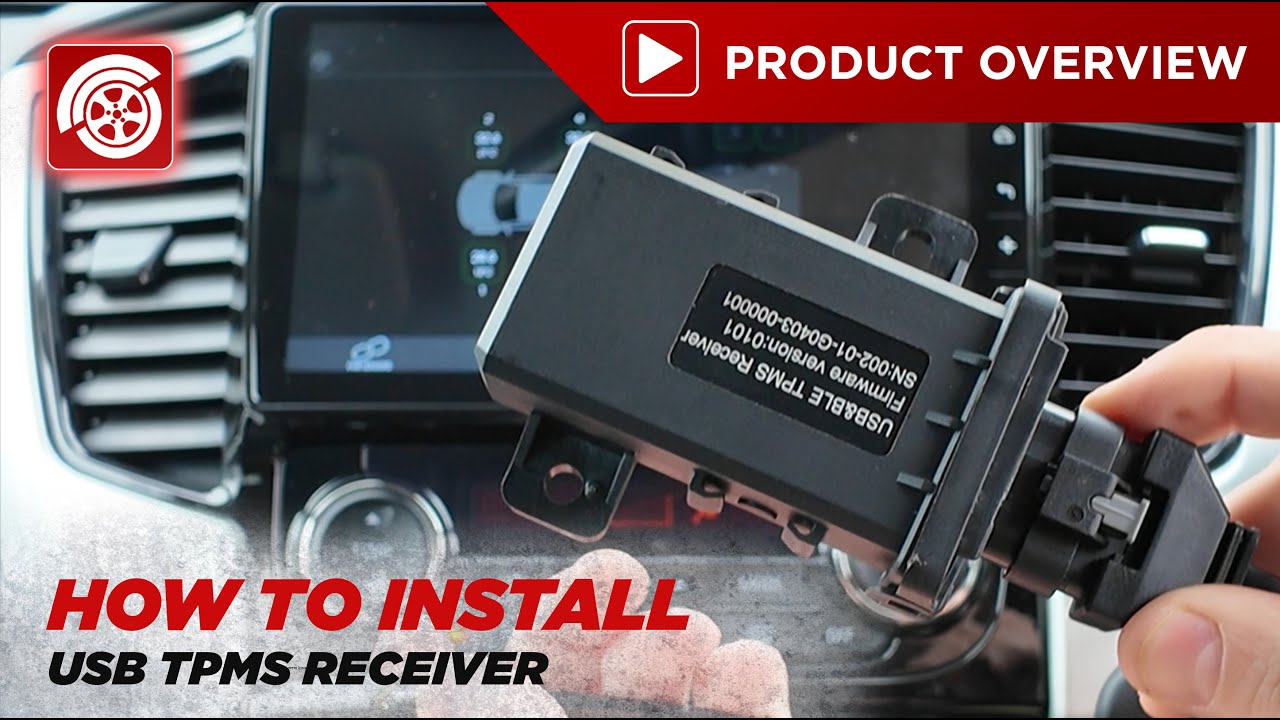
- Plug the USB receiver into a power source (e.g. cig plug).
- Install the TPMS Aware app from the Apple AppStore or Google PlayStore.
- Open the TPMS Aware app on your smartphone.
- Screw the sensors onto the tyre valves and confirm pressure readings in the app.
- Take the car for a short drive and verify the readings update. Then refer to the video/manual for settings.
- If using a repeater, mount it near the caravan hitch with 12V power. Use the included 9V battery clip for quick testing before permanent installation.
Internal Sensors
- Plug the USB receiver into a power source (e.g. cig plug).
- Install the TPMS Aware app from the Apple AppStore or Google PlayStore.
- Open the TPMS Aware app on your phone.
- Install the internal sensors on the inner rim of each tyre, ensuring tight, aligned placement to prevent air leakage.
- Take the car for a short drive and verify the readings update. Then refer to the video/manual for settings.
- If using a repeater, mount it near the caravan hitch with 12V power. Use the included 9V battery clip for quick testing before permanent installation.
FAQ’S
FREQUENTLY ASKED QUESTIONS
1. What is the Internal TPMS Sensor?
The Internal TPMS (Tyre Pressure Monitoring System) Sensor is designed to monitor tyre pressures and temperatures in real-time. It works with the Tirware TPMS system to track up to 10 tyres across vehicles and caravans for improved safety and performance.
2. How does it differ from external sensors?
Internal Sensors: Installed inside the tyre on the inner rim. They are not visible externally, and each includes a built-in battery with a 3–5 year lifespan.
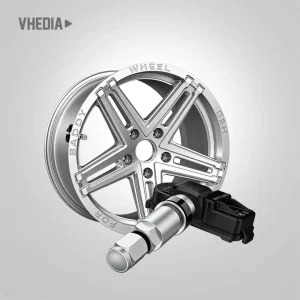
External Sensors: Screwed onto tyre valves, easy to install and remove, and typically come with replaceable batteries.
3. What components are needed for a complete setup?
A complete TPMS system includes:
- Internal or external sensors
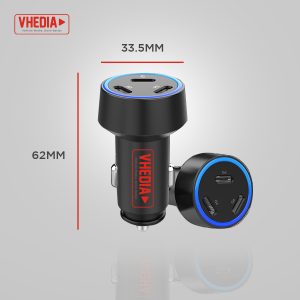
- A USB receiver to collect the sensor data
- A signal repeater (recommended if using with caravans or trailers)
4. How do I install the internal sensors?
1. Plug in the USB receiver to your preferred device.
2. Install the TIRWARE app.
3. Mount the internal sensors to the inner rim of each tyre (this must be done when the tyre is removed from the wheel).
4. Drive the vehicle to allow the sensors to transmit data.
5. If using a repeater, install it near the trailer or caravan connection and wire it to a 12V power supply.
5. Can I mix internal and external sensors?
Yes, the system supports a mix of internal and external sensors. This is especially useful for setups involving towing vehicles and trailers or caravans.
6. How long do the internal sensor batteries last?
Each sensor has a built-in battery that lasts approximately 3–5 years. The batteries are not replaceable, so new sensors will be required after battery depletion.
7. What is the function of the repeater?
The repeater strengthens the sensor signal, ensuring reliable data transmission over longer distances — ideal for caravans, trailers, or vehicles with extended wheelbases.
8. How can I monitor the tyre data?
Tyre pressure and temperature data can be monitored in real-time through the TIRWARE app. The system also allows you to set custom alerts for under- or over-pressure and high-temperature readings.


















 https://www.youtube.com/watch?v=ytHhJ_5OyGI





As described thank you
Great product, prompt delivery, great communication and excellent customer service.
Great product. Easy to purchase. Quick delivery. Great customer service.
To me, Support is a very important part of my decision when purchasing .
While trying to get a better understanding of the App and CarPlay interaction, Jordy was able to provide me with full support and that included follow up.
Well done to the team.
The good
1. Easy set up, sensor fit valve stems with clearance on my alloy rims.
2. Bought extra sensors for Hybrid Van
3. No need for extra tyre monitoring screen in car.
The not so good
1. The need to run USB hub, should have more outputs on the head unit
2. Vhedia USB hub already playing up, head unit not recognising.
Thanks for the detailed review and really glad the TPMS setup worked out well with your alloy rims!
Noted on the USB outputs, that’s helpful feedback. Our units currently come with 3 USB ports as standard and the hub is there to extend that, so we appreciate the callout.
Sorry to hear the USB hub is already giving you grief though, that’s not ideal. Please reach out to our team via phone, live chat, or email and we’ll get it sorted for you!